- Accueil
- Integrations
-
TwiCall: Twilio telephony
Icoming and outgoing calls using Twilio
Installer
Gratuit
Achats in-app
-
Évaluation5 / 5
-
Installations404
-
Développeur
Description
Installation instructions here: https://twicall.emcsoft.io/installation/
TWICALL cost 5$ per user per month. Full tariff plans you may find her: https://twicall.emcsoft.io/Before using TwiCall you should have Twillio account: https://www.twilio.com/
Assistance technique
If you got a problem with installation or any other issues,
please Send a message directly from your Bitrix24: https://bit.ly/EMCsoftMarketplaceSupport
Instructions d'installation
1. Install application from Bitrix24 marketplace
2. On main page find Account SID and copy in any text file. You will need that in a future.
3. Go to API Keys. On top right side of main page, in search box type "API Key" and click on founded menu item
4. Click "Create API key". Click on "Create API key" button to create API
5. Create API key. Enter any name for API key you creating and click on button "Create API key" to create
6. Copy SID and secret. Copy and past in any text file keys from field "SID" and "Secret"
7. You should to have such file by the end. By the end of all above munipulations you should to have such file with three keys
8. Sel ect check box and click Done. To finish creating API key
9. Enter in TwiCall three generated keys. And click "Install" button
10. You now in TwiCall setting page. After installation of TwiCall you should get in TwiCall setting page
11. Download Extension for Google Chrome fr om TwiCall setting page
12. Unzip file. You should have files inside of the folder "twicall-chrome-ext-.."
13. Open Manage extensions. Open Manage extensions in Google Chrome
14. Select "Load unpacked". Select "Load unpacked" to open extension folder
15. Select unziped folder with Google Extension. Select unziped folder with Google Extension you downloaded fr om our web-site
17. TwiCall should be in a list. TwiCall should be in a list of available Extentions
18. Pin TwiCall in Manage Extensions. Open again Manage Extensions and pin TwiCall
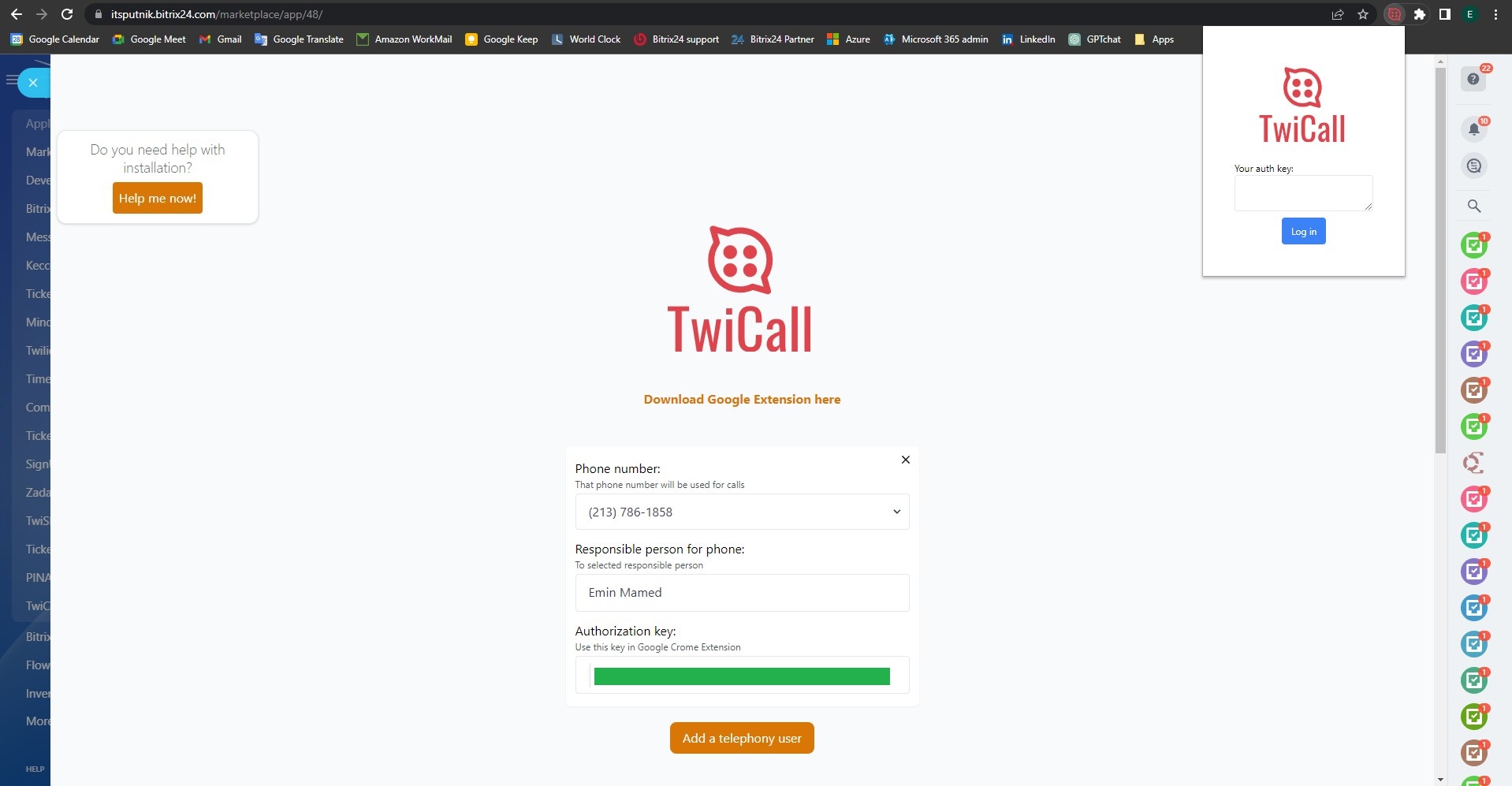
19. Go back to TwiCall settings page. Sel ect the phone number you want to assign to a particular user. You can assign one number to many users.
21. Enter "Authorization key" in TwiCall
1. Enter "Authorization key" in Google Chrome extension TwiCall
2. On main page find Account SID and copy in any text file. You will need that in a future.
3. Go to API Keys. On top right side of main page, in search box type "API Key" and click on founded menu item
4. Click "Create API key". Click on "Create API key" button to create API
5. Create API key. Enter any name for API key you creating and click on button "Create API key" to create
6. Copy SID and secret. Copy and past in any text file keys from field "SID" and "Secret"
7. You should to have such file by the end. By the end of all above munipulations you should to have such file with three keys
8. Sel ect check box and click Done. To finish creating API key
9. Enter in TwiCall three generated keys. And click "Install" button
10. You now in TwiCall setting page. After installation of TwiCall you should get in TwiCall setting page
11. Download Extension for Google Chrome fr om TwiCall setting page
12. Unzip file. You should have files inside of the folder "twicall-chrome-ext-.."
13. Open Manage extensions. Open Manage extensions in Google Chrome
14. Select "Load unpacked". Select "Load unpacked" to open extension folder
15. Select unziped folder with Google Extension. Select unziped folder with Google Extension you downloaded fr om our web-site
17. TwiCall should be in a list. TwiCall should be in a list of available Extentions
18. Pin TwiCall in Manage Extensions. Open again Manage Extensions and pin TwiCall
19. Go back to TwiCall settings page. Sel ect the phone number you want to assign to a particular user. You can assign one number to many users.
- Then select user fr om the list
- Click button "Save"
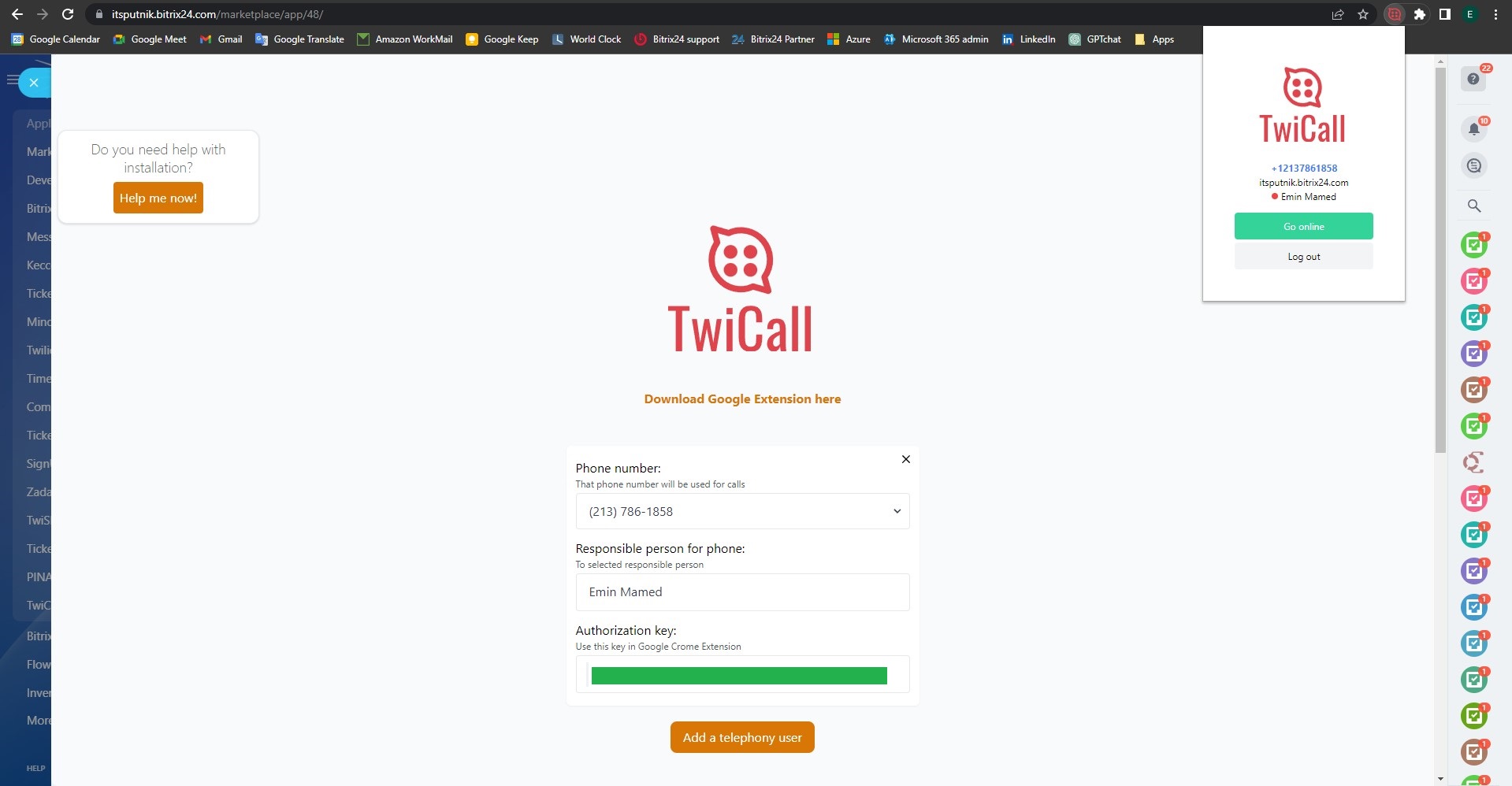
21. Enter "Authorization key" in TwiCall
1. Enter "Authorization key" in Google Chrome extension TwiCall
2. Then click Log in
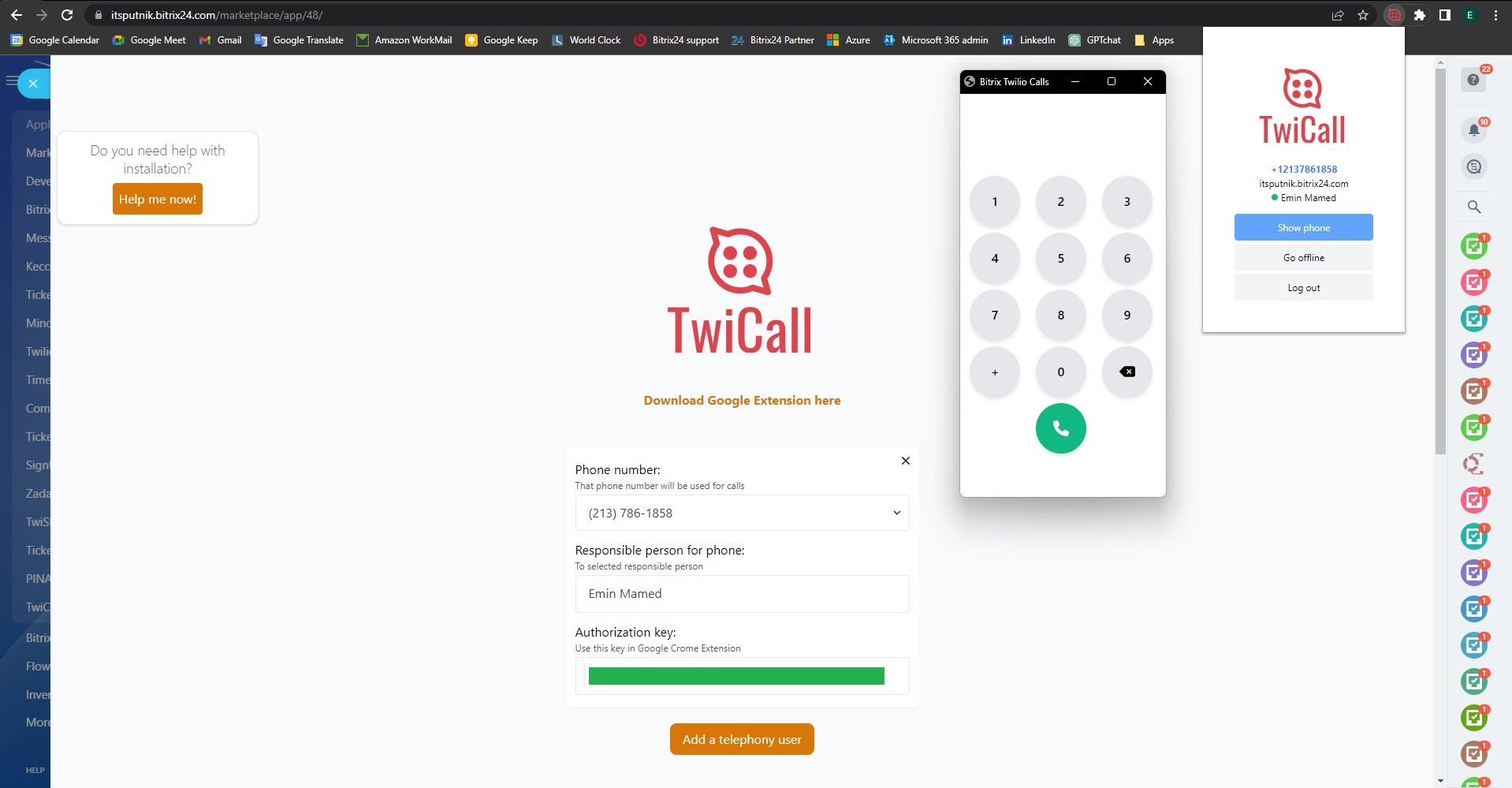
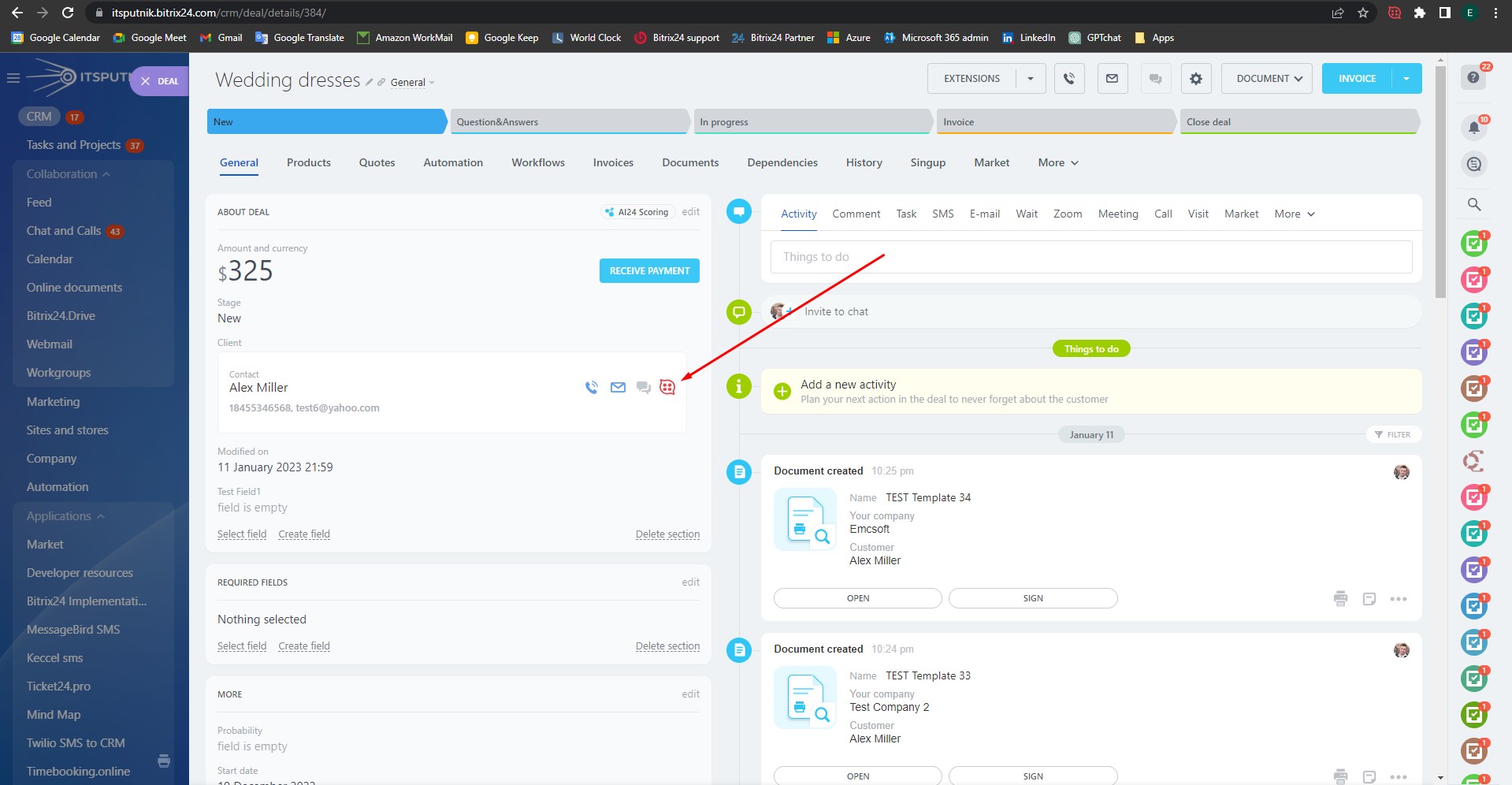
22. Click "Go online"
1. To start using TwiCal
2. For each user you need to setup his own "Authorizaton key"
Please check video below for installation procedure:
Sécurité des données
TwiCall: Twilio telephony
L'application demande des autorisations pour accéder aux données :
CRM
accès complet : afficher, créer, modifier et supprimer des prospects, contacts, entreprises, offres, factures, devis, activités, champs d'utilisateurs, etc.
Téléphonie
accès restreint : afficher, créer, modifier et supprimer les lignes d'appel sortantes ; rechercher les clients du CRM par numéro de téléphone ; afficher, créer, modifier et supprimer les lignes SIP ; gérer le volet d'information sur les appels et consulter les statistiques sur les appels
CANAUX OUVERTS
accès complet : afficher, créer, modifier et supprimer des connecteurs ; afficher et modifier des paramètres Open Channel ; gestion des agents Open Channel, etc.
Utilisateurs (de base)
lire la liste des utilisateurs et leurs coordonnées
Téléphonie (appels sortants)
accès restreint : faire des appels sortants via la téléphonie intégrée
Évaluation
5 /5
5 étoiles
1
4 étoiles
1
3 étoiles
0
2 étoiles
0
1 étoile
0
Avis
Nombre total d'évaluations : 2
Mehmethan Y.
06.09.2024
Their technical support is unbelievable, they gave me a meeting a few hours later on the... plus
Réponse du développeur
23.10.2024
Thank you for your kind words and constructive feedback! We're glad our support team could assist you promptly. We understand th... plus
Mehmethan Y.
06.09.2024
Their technical support is unbelievable, they gave me a meeting a few hours later on the same day and they were very helpful.
But we cannot call from the mobile phone, we can only call with the computer, I hope they will improve the application in this direction.
Réponse du développeur
23.10.2024
Thank you for your kind words and constructive feedback! We're glad our support team could assist you promptly. We understand the importance of mobile functionality and are actively exploring improvements in that direction. Your feedback helps us grow—stay tuned for future updates!
Support .
15.08.2024
TwiCall handles both outgoing and incoming calls effortlessly, and the automatic call re... plus
Réponse du développeur
23.10.2024
Thank you for your thoughtful review! We're glad TwiCall has optimized your communication and helped reduce spam. Your feedback ... plus
Support .
15.08.2024
TwiCall handles both outgoing and incoming calls effortlessly, and the automatic call recording provides us with better control and oversight of our communications. We've also seen a reduction in spam calls. It's an essential tool for any business looking to optimize their telephony system.
Réponse du développeur
23.10.2024
Thank you for your thoughtful review! We're glad TwiCall has optimized your communication and helped reduce spam. Your feedback inspires us to keep improving—let us know if we can assist you further!