- Accueil
- Import and export
-
Slack data migration
Data migration solution for Slack
Installer
Gratuit
-
ÉvaluationAucune évaluation
-
Installations156
-
DéveloppeurBitrix24 Integrations
Description
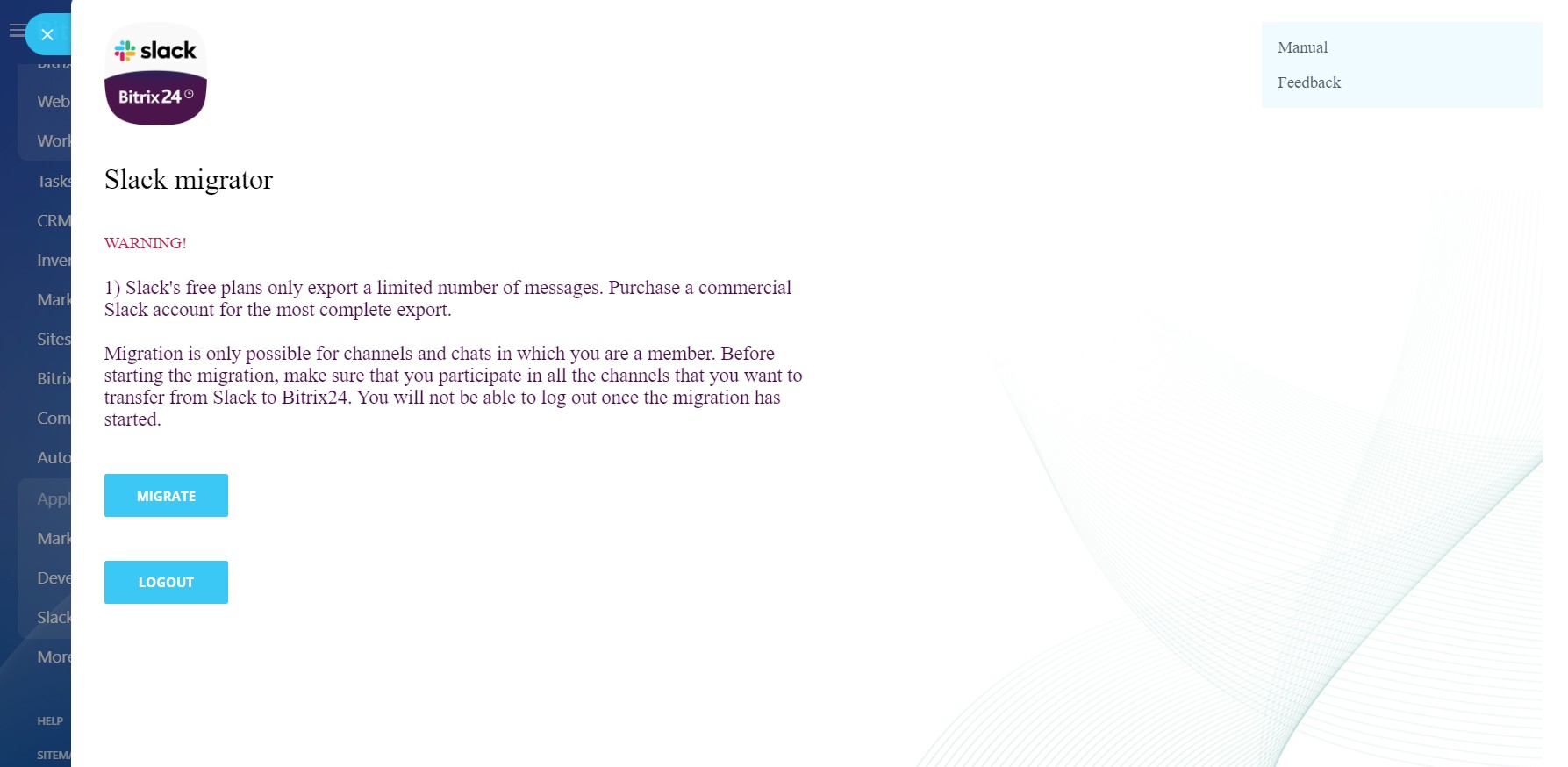
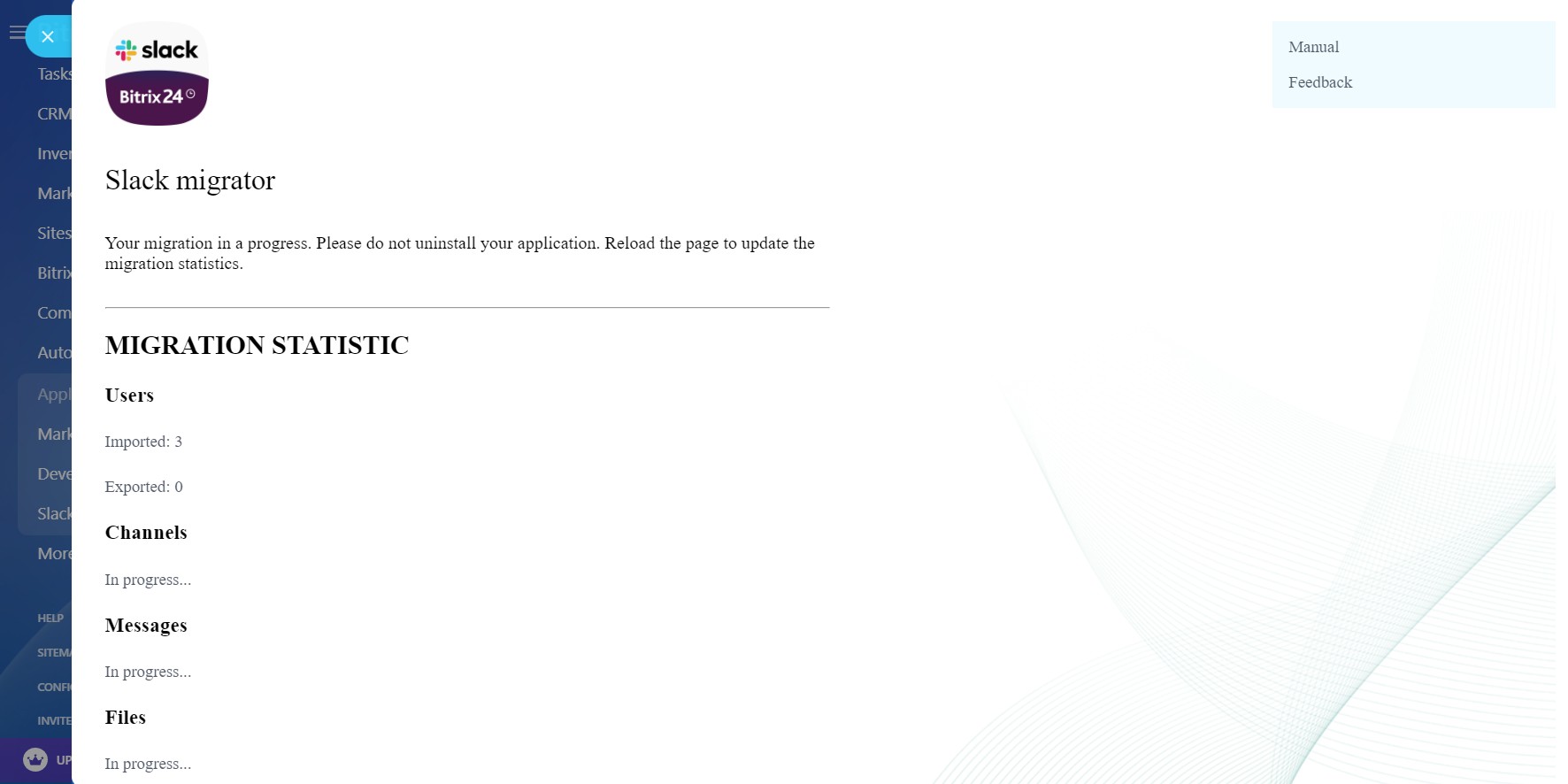
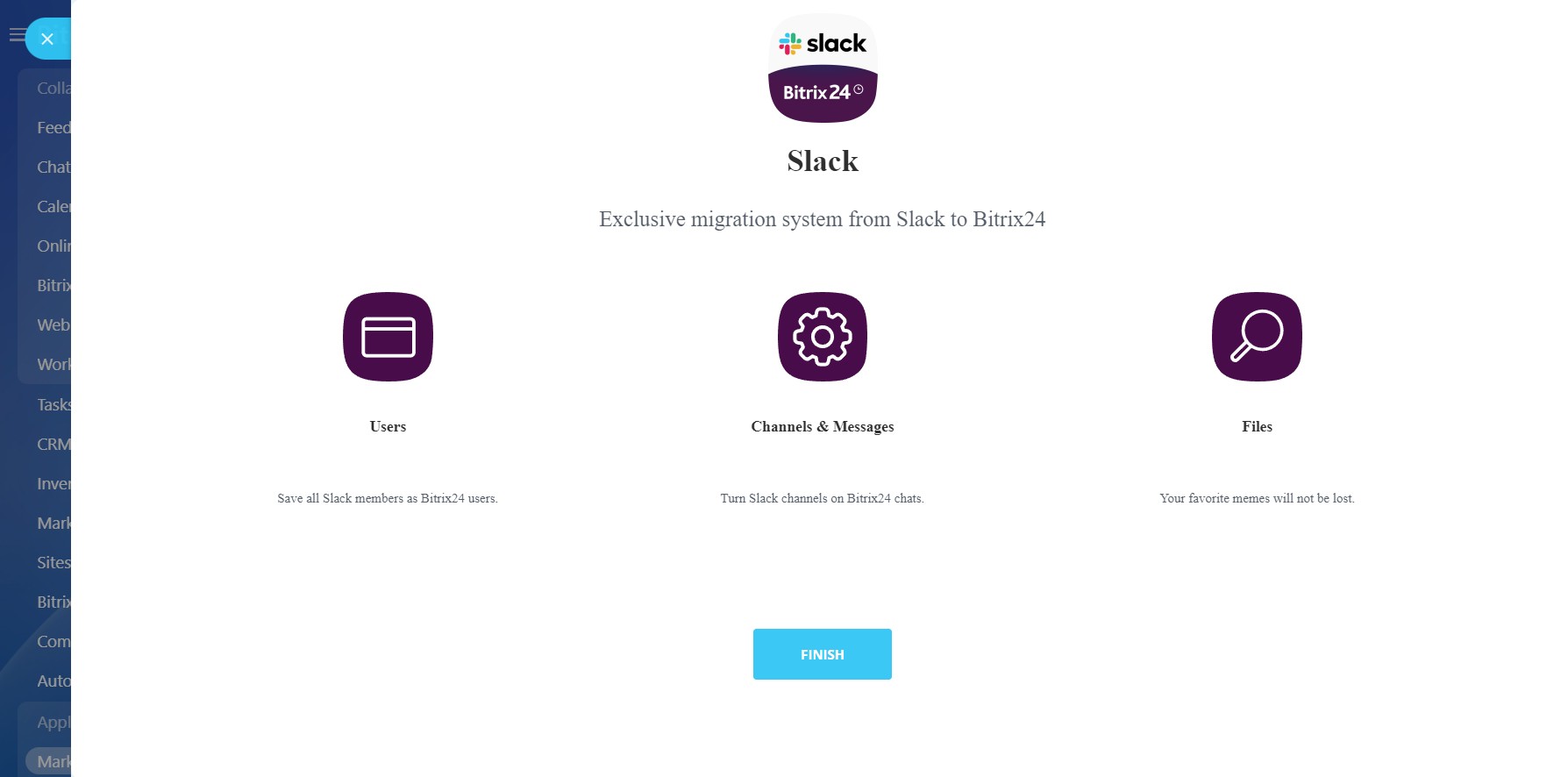
The application transfers data from Slack to Bitrix24:
The app is currently in public beta testing. Some features and enhancements are yet a work-in-progress.
- Users
- Channels (chats)
- Messages in channels
- Attached files
The app is currently in public beta testing. Some features and enhancements are yet a work-in-progress.
Assistance technique
If you are facing an issue or would like to receive some more information about the app, kindly contact Bitrix24 support.
Our dedicated Integrations support team will be delighted to assist you and provide guidance on any inquiries you may have regarding the app.
Additionally, we highly recommend following the steps outlined in this article to troubleshoot common issues in case you cannot access the app after installing it from the Market.
Instructions d'installation
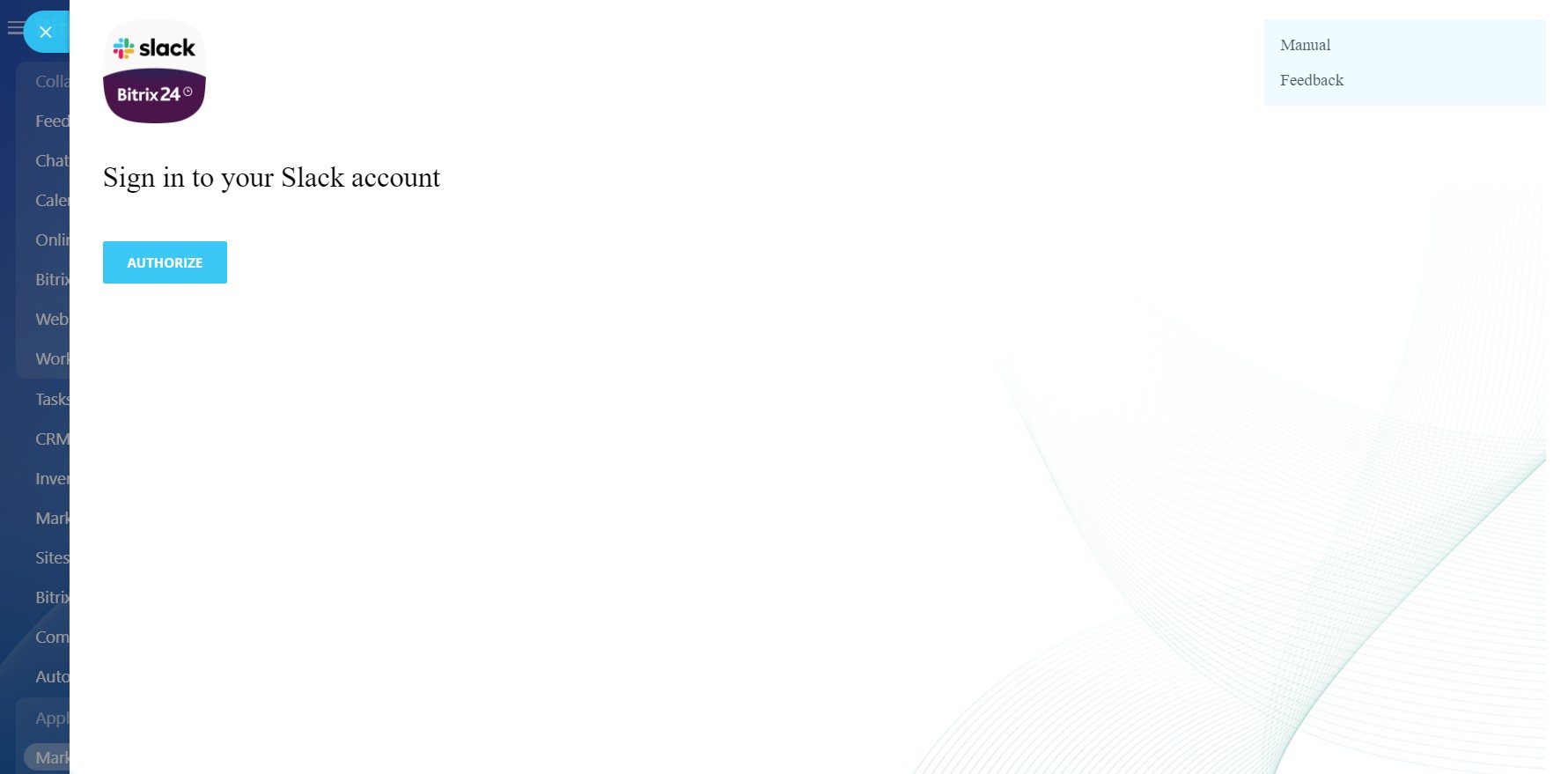
Complete the standard installation from Bitrix24.Market and follow these steps:
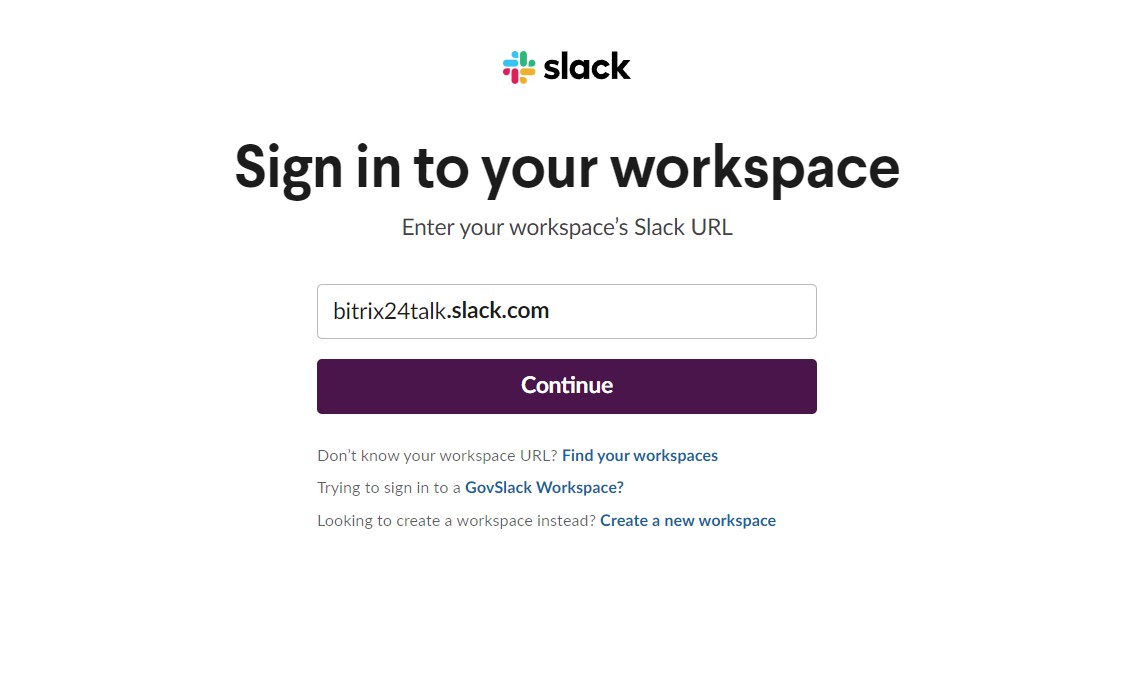
- Sign in to your Slack account
- Make sure that the authorized user goes to all channels necessary for import
- Start the migration.
Sécurité des données
Slack data migration
L'application demande des autorisations pour accéder aux données :
Drive
accès complet : visualiser, créer, modifier et supprimer les stockages, dossiers et fichiers
Utilisateurs
accès complet : visualiser, créer, modifier et supprimer des utilisateurs
Chat et Notifications
accès complet : afficher, créer, modifier et supprimer les conversations et messages ; connecter les utilisateurs aux chats ; modifier les chats ; lire tous les messages de chat
Importation de message
accès complet : ajouter des chats, des messages et des utilisateurs
Évaluation
0 /5
5 étoiles
0
4 étoiles
0
3 étoiles
0
2 étoiles
0
1 étoile
0
Avis
Aucun avis !