Miro Boards
Plan faster with Miro boards inside Bitrix24
Gratuit
Achats in-app
-
Évaluation
-
Installations4199
-
DéveloppeurBitrix24 Integrations
Description
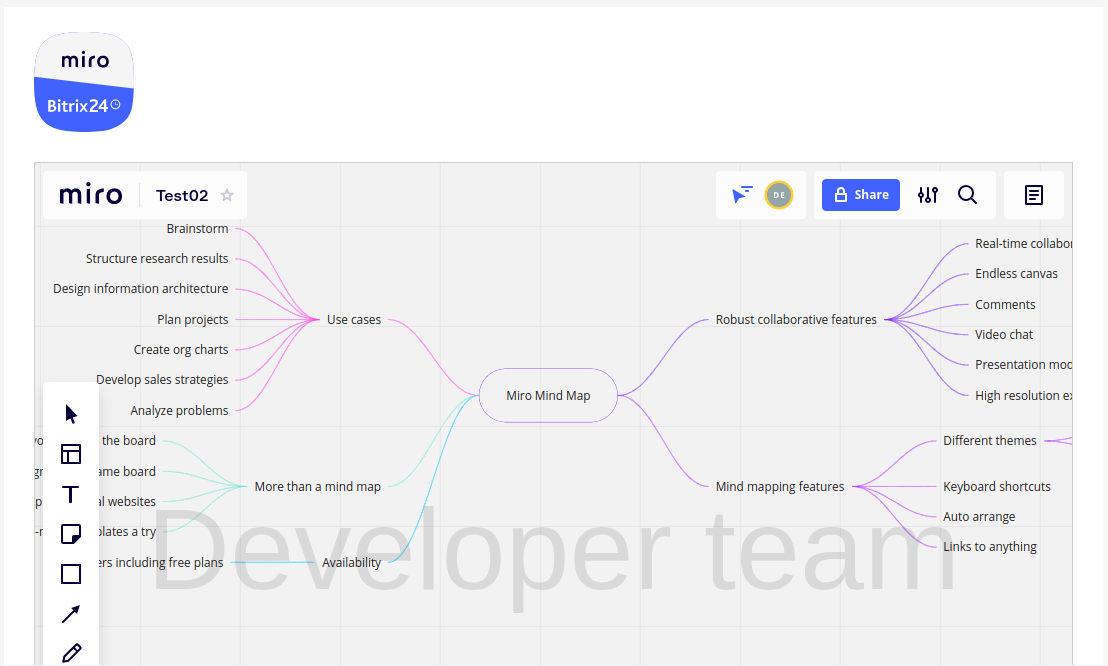
Miro Boards brings visual planning into the same workspace where your team already manages projects in Bitrix24. Instead of switching between tools, teams can map ideas, align on priorities, and move from discussion to execution faster.
Why businesses use it
Planning slows down when discovery, collaboration, and execution happen in separate systems. This integration keeps visual work close to daily operations in Bitrix24, so teams spend less time context-switching and more time delivering.
Business value
- Reduce tool-switching during planning and discovery
- Align product, marketing, and operations teams on one visual workspace
- Turn ideas into clearer next steps with templates and shared boards
- Improve planning visibility for roadmaps, sprints, and retrospectives
Common use cases
- Build user story maps for new features
- Run team retrospectives on a shared board
- Plan sprints and roadmaps collaboratively
- Draft wireframes or customer journey maps during discovery
How it works
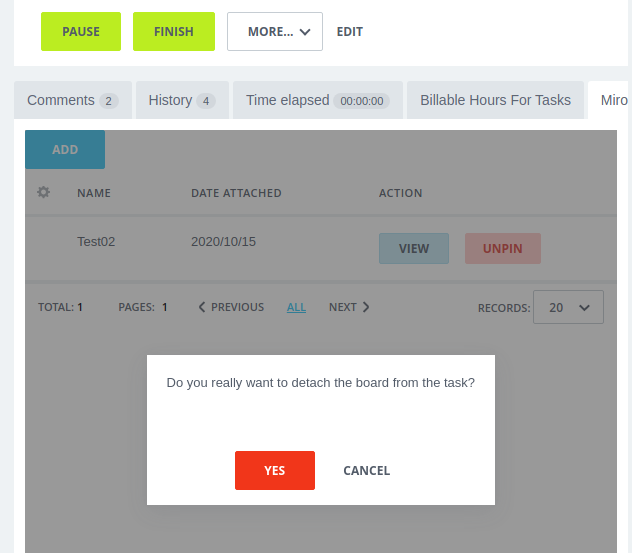
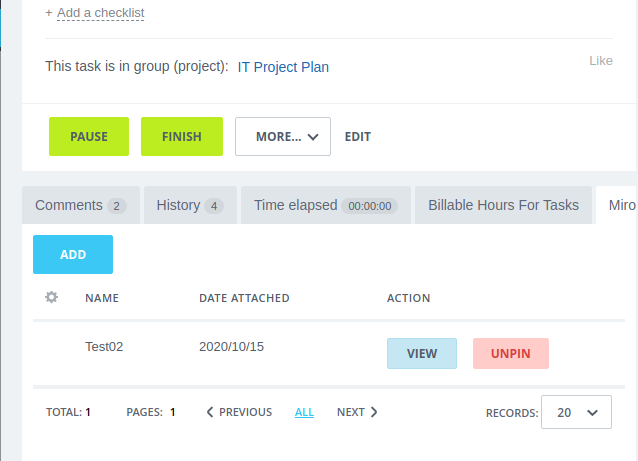
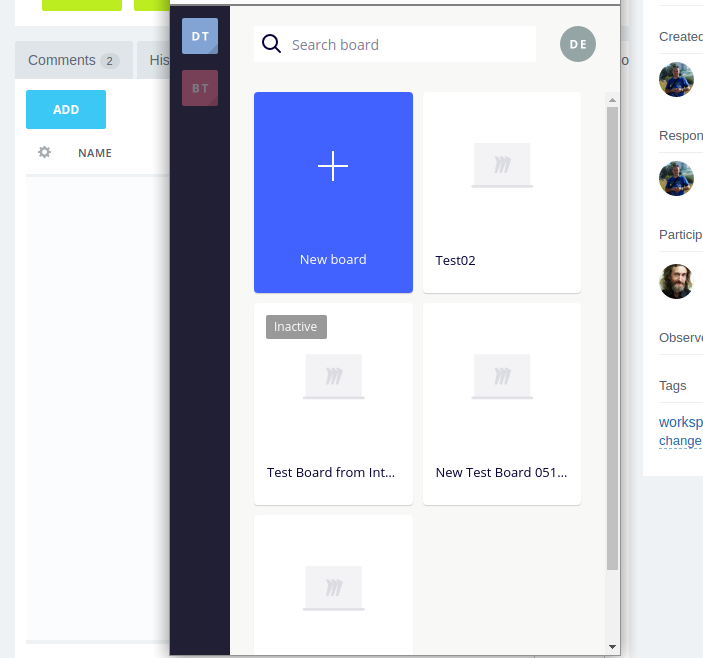
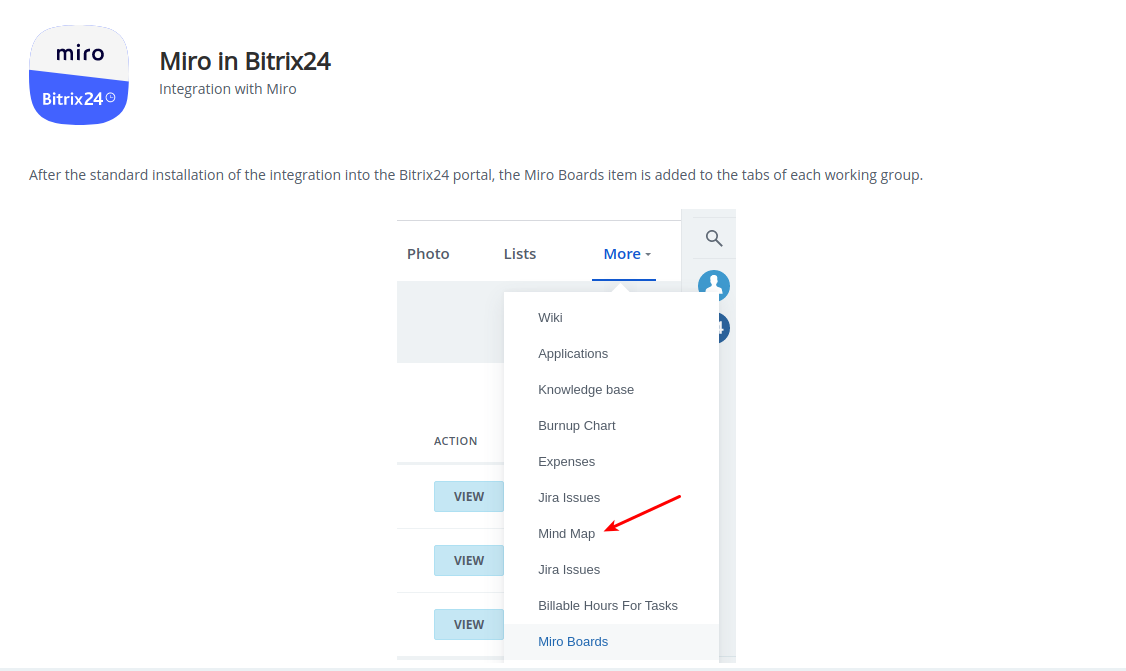
Install the app and open Miro boards directly in Bitrix24. Teams can use Miro templates and widgets in context, while access and embedding depend on user permissions.
FAQ
We want to collaborate on Miro in Bitrix24, but some teammates don’t see the tab. How do we fix this quickly?
This is usually an access issue: non-admin users may not get the tab by default. Ask a Bitrix24 admin to grant access so the board workspace becomes visible for the right users.
We need to start a board immediately, but not everyone has a Miro account yet. Can we still run a quick session?
Yes. Use Create board without registration for temporary collaboration. It is designed for short-term use, and the board is automatically deleted after 24 hours.
The team can open a board, but embedding doesn’t work. What is blocking us?
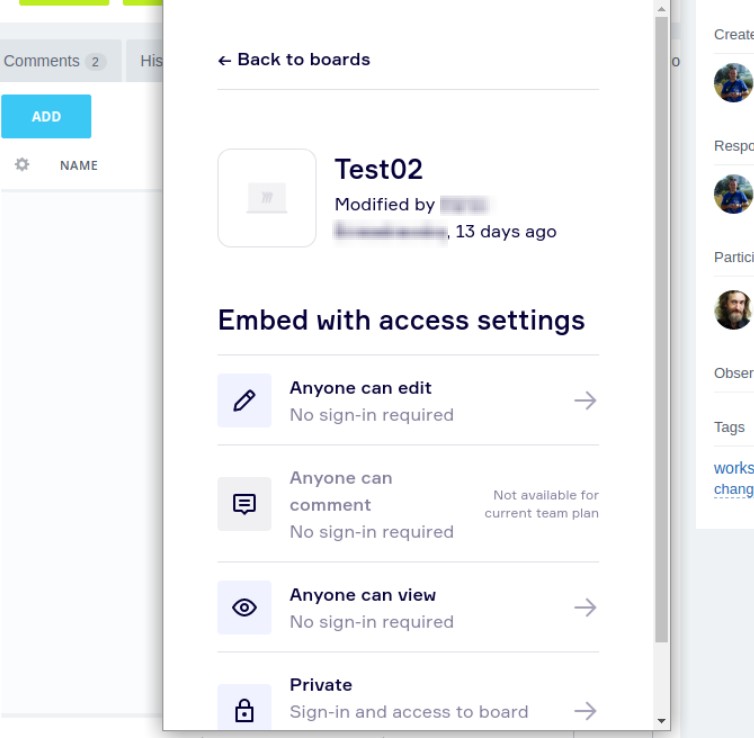
In most cases, embedding is restricted by permission level. Users with read-only access can view but not embed; update Miro access rights to enable full embedding behavior.
Why businesses use it
Planning slows down when discovery, collaboration, and execution happen in separate systems. This integration keeps visual work close to daily operations in Bitrix24, so teams spend less time context-switching and more time delivering.
Business value
- Reduce tool-switching during planning and discovery
- Align product, marketing, and operations teams on one visual workspace
- Turn ideas into clearer next steps with templates and shared boards
- Improve planning visibility for roadmaps, sprints, and retrospectives
Common use cases
- Build user story maps for new features
- Run team retrospectives on a shared board
- Plan sprints and roadmaps collaboratively
- Draft wireframes or customer journey maps during discovery
How it works
Install the app and open Miro boards directly in Bitrix24. Teams can use Miro templates and widgets in context, while access and embedding depend on user permissions.
FAQ
We want to collaborate on Miro in Bitrix24, but some teammates don’t see the tab. How do we fix this quickly?
This is usually an access issue: non-admin users may not get the tab by default. Ask a Bitrix24 admin to grant access so the board workspace becomes visible for the right users.
We need to start a board immediately, but not everyone has a Miro account yet. Can we still run a quick session?
Yes. Use Create board without registration for temporary collaboration. It is designed for short-term use, and the board is automatically deleted after 24 hours.
The team can open a board, but embedding doesn’t work. What is blocking us?
In most cases, embedding is restricted by permission level. Users with read-only access can view but not embed; update Miro access rights to enable full embedding behavior.